
🆕 Enhancements
Linked Notes
What’s new
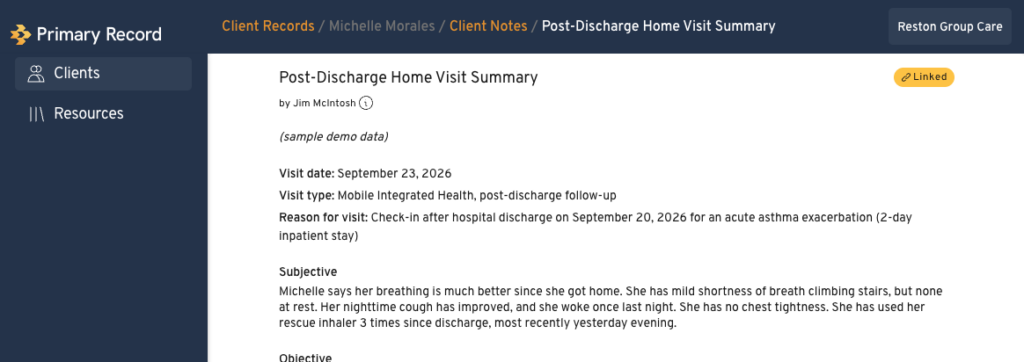
Every note a Professional User creates in a client’s profile is now automatically linked to that client’s internal Client Record. Nothing changes in how you write notes. The linking happens in the background.
Why it matters
Clients control who can access their profiles. If a client removes your access, you still keep a full record of every note you shared with them, so your documentation stays complete for continuity of care, compliance and audits.
Existing notes
As part of this release, we’ve also linked every note Professional Users created in client profiles in the past. Your Client Records now include your full note history, and you don’t need to do anything.
How linked notes work
- One version: While a note is linked, you edit it in the client’s profile. There’s only one version, and the client sees your changes.
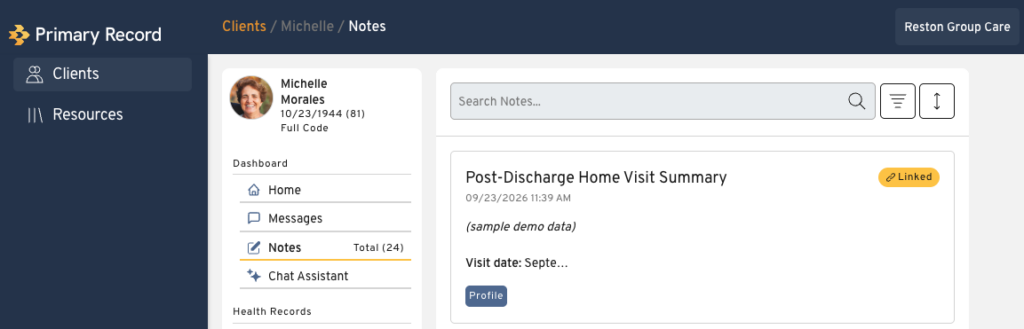
- Clear labeling: Linked notes have a Linked label in the Client Record, so you can tell them apart from internal-only notes.
- Privacy: Clients see only notes that are linked to their profile. Your other internal notes in the Client Record stay private.
- Retained notes: If a note is deleted from the profile, or a client removes your access, a copy stays in the Client Record. Its label changes to Retained and the link is removed.
Link other notes to the Client Record
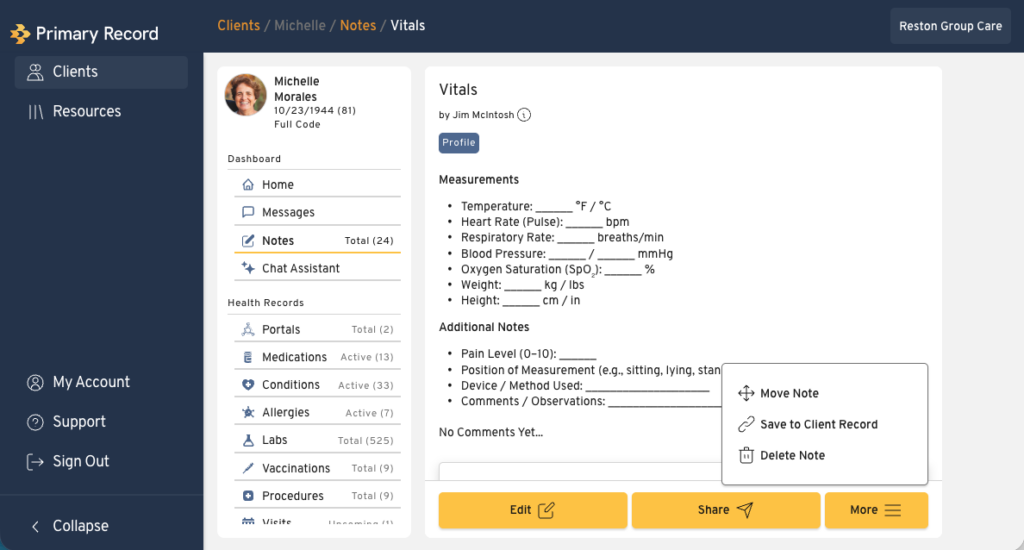
You can also manually link other notes from a client’s profile to the Client Record, such as physician notes gathered through the patient portal integration. These notes are labeled Linked too, so you can keep important outside records alongside your own documentation.
🐛 Bugs & Issues
- Files failing to process
- Improvements to medication deduplication