
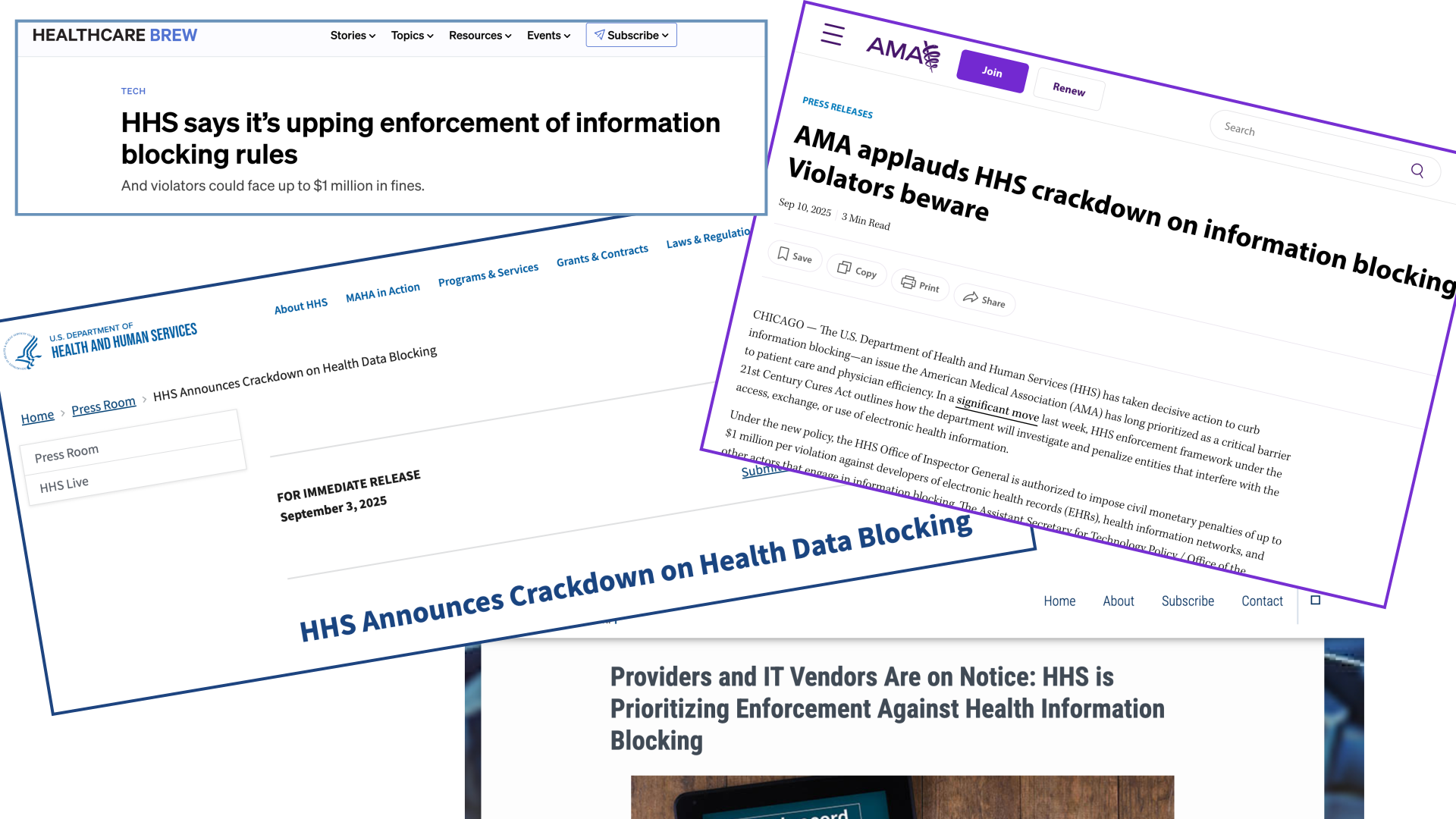
If you’ve ever tried to get medical records and felt delayed, stonewalled, or bounced from person to person, you’re not alone. Families, caregivers, patient advocates, and even clinicians struggle with access to electronic health information (EHI) every day.
And until recently, most people didn’t know that many of those delays aren’t allowed under federal law.
Under the 21st Century Cures Act, information blocking is when a healthcare provider, EHR vendor, or health information exchange makes it unreasonably harder to access, exchange, or use electronic health information. Information blocking is more common than people realize, and filing a claim is often the only way federal investigators can see the real-world barriers patients face.
But many people hesitate because they’re not sure:
- What counts as information blocking?
- Do I need to prove harm?
- How do I write a claim the right way?
To make this easier, we created a GPT:
Primary Record’s Guide to Information Blocking
It’s a ChatGPT guide that walks anyone through the process of turning a frustrating experience into a clear, complete information-blocking claim for the Assistant Secretary of Technology Policy (ASTP)/ONC’s portal.
Below, I break down how information blocking works, why submitting matters, and how the GPT helps you do it with confidence.
What Is Information Blocking?
Information blocking happens when:
- You request electronic health information (EHI) like notes, labs, imaging reports, care plans, messages, medication lists, and anything in the designated record set. If it’s electronic and part of the patient’s care or billing record, it’s EHI.
- The place you asked is an “actor.”
Providers, labs, SNFs, pharmacies, health systems, EHR vendors, HIEs, the full list is broad. - They make access harder than it needs to be.
Examples include:- “Corporate has to approve this.”
- “We don’t release that.”
- “You must come in person.”
- “The doctor must approve every note.”
- Their explanation isn’t a real legal requirement.
- It has some impact, even inconvenience or delayed coordination.
(Impact isn’t required, but it strengthens the claim.)
If even part of this happened, you likely have a valid concern worth submitting.
Why Filing a Claim Matters (Even If You’re Not 100% Sure)
Most people think they need proof that harm occurred, not true. When Primary Record attended the inaugural information blocking bootcamp, it was emphasized over and over:
“Even if you’re not sure, submit a claim. The government investigates and decides.”
Every claim helps:
- Identify where patients and caregivers get stuck
- Surface policy gaps
- Hold providers and vendors accountable
- Improve system design
- Protect other patients from the same barrier
Caregivers, coordinators, and families often see problems clinicians never know about. Submitting a claim helps fix the system for everyone.
The Challenge: Writing the Claim
Once you click into ASTP/ONC’s portal, you quickly see why most people get overwhelmed. They don’t ask for “your story.” They ask for this, and it can feel like a lot:
- Who requested the EHI? (You? The patient? A caregiver? A provider? A third-party app?)
- What was your role? (Patient, advocate, care coordinator, provider, HIN/HIE, vendor…)
- When exactly did you request it? (Date and time.)
- Where were you located? (City, state.)
- What type of EHI did you ask for? Labs? Notes? Full chart? Imaging? Med list?
- Why were you requesting it? (Patient access? Continuity of care? Exporting records to another provider? Something else?)
- What health IT system were you using? (Portal? App? EHR? Version unknown? Still counts.)
- Who denied or didn’t fulfill the request? (Clinician? SNF? Corporate office? Medical records? Vendor?)
- What was THEIR role?
- When did they deny or fail to fulfill it? (Again, date and time.)
- Where are THEY located?
- What health IT did THEY use?
- What exactly did they say when they denied it? (“Corporate has to approve it.” “We don’t release that.” “Doctor must review first.”)
- When was that explanation given? (Yes, another timestamp.)
- Anything else ONC should know? (Patterns, delays, impacts, screenshots, etc.)
And on top of that, ONC reminds you:
- If it’s a HIPAA privacy issue, you need to contact the Office of the Civil Rights
- Your identity can be anonymous.
- Your claim is protected under the Freedom of Information Act.
So, it can feel like a lot for anyone, patients, caregivers, advocates, or even clinicians, to gather, format, and submit without missing something important.
And that’s precisely why Primary Record built the GPT.
It takes all these complicated requirements and walks you through them one tiny step at a time, no legal language, no overwhelm, no guessing what matters.
Introducing: Primary Record’s Guide to Information Blocking
A guided, step-by-step tool to help anyone submit an accurate, complete claim.
This GPT asks you simple, conversational questions, never more than 1–2 at a time, to:
1. Understand your story
“What happened when you asked for the information?”
“Who told you no?”
2. Extract the key facts
It gradually gathers the exact elements ONC’s portal needs — no jargon and no overwhelm.
3. Clarify the impact
You don’t need medical harm.
Care delays, caregiver burden, repeat phone calls, and coordination obstacles all count.
4. Check for possible exceptions
It helps you identify whether the organization provided a legitimate privacy, security, or infeasibility explanation, or none at all.
5. Draft a complete claim
At the end, it produces a clean, structured narrative you can paste directly into the portal — written in plain, factual language.
This approach mirrors the simple assessment framework from the slide deck’s “Do you have an information blocking claim?” tool.
Why This Matters for Families and Advocates
Families today act like “mini-hospitals,” tracking meds, arranging appointments, helping with transitions, managing crises, and stitching together records scattered across portals, PDFs, and apps.
When they are denied records, given delayed access, or required to jump through unnecessary hoops, it directly interferes with safety, coordination, and caregiving.
This GPT is designed to give people a path to be heard.
How to Use the GPT (Simple Instructions)
- Click the link: Primary Record’s Guide to Information Blocking
- Tell it what happened in your own words.
- Answer its 1–2 short questions at a time.
- When ready, say: “Draft my claim”
- Copy/paste the final text into ONC’s portal: https://www.healthit.gov/topic/information-blocking
That’s it.
Final Thoughts: You Don’t Need to Be an Expert, You Need to Tell Your Story
The 21st Century Cures Act gives patients, caregivers, and advocates meaningful rights, but rights only matter if people can actually use them. If someone made it unreasonably hard for you to access electronic health information, your story matters. Your one claim could be the one that finally sparks a fix.
And this is exactly why it matters to us at Primary Record.
As one of the most trusted and widely referred family health information management systems, we see every day how hard families work just to gather what should already be accessible: multiple portals, lab results, referral notes, legal documents, financial information, and care instructions scattered across systems that don’t talk to each other. When access breaks down, families feel it first. Advocates feel it next.
By helping more people understand their rights, and by making it easier to act when those rights are blocked, we’re strengthening the same ecosystem Primary Record was built to support: families coordinating complex care across real communities.
The tools are here. The laws are here. And with a little guidance, the process can finally become easier, more transparent, and more accountable.
Your story matters, and when you share it, the entire system gets better for the next family.
Want to learn more or bring this training to your organization? Primary Record provides educational talks and Q&A sessions on information blocking, patient access, and how to use the Information Blocking GPT to write strong claims. Contact us to schedule a session for your team or community.