Why ‘Just Give Me Your Login’ Puts Caregivers and Advocates at Risk
Jean Ross
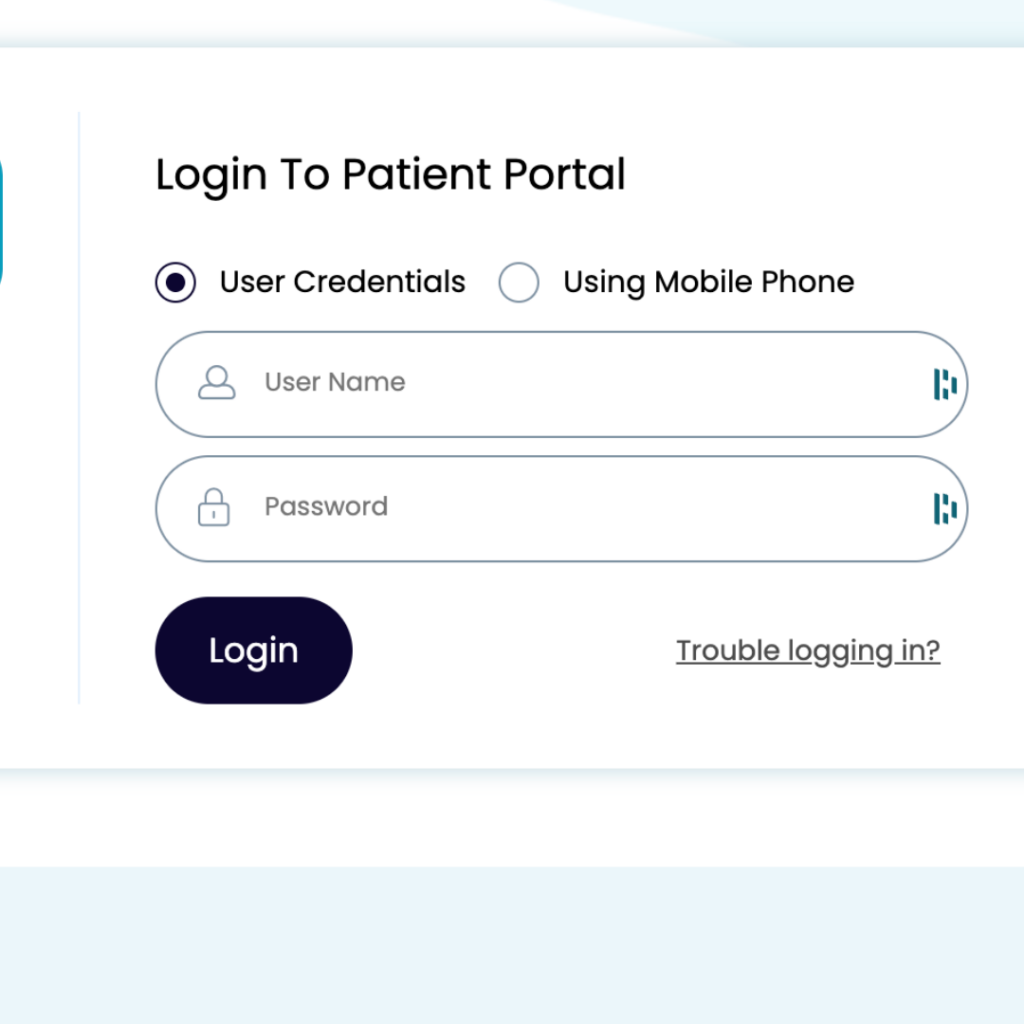
“I don’t have trouble getting records. My clients sign a HIPAA release and give me their username and password.”
I hear versions of this every week from professional advocates and consultants who step in to help patients when care gets complicated.
These approaches are understandable. They’re common. And they are not as safe or as effective as many people believe.
This article isn’t about fear or finger-wagging. It’s about clarity: how to access health records ethically, defensibly, and in ways that actually hold up for the people you’re helping and for you.
If you only read one section, start here.
The Safest Ways to Access Health Records (Start Here)
When you’re helping someone navigate healthcare, how you access information matters just as much as what you access. Below are the primary pathways, in order from most defensible to most risky.
Best Practice #1: Patient-Directed Proxy Access (Recommended)
Many patient portals allow a patient to add a proxy or delegate.
This means:
Your role is visible
Access is revocable
An audit trail exists
Your authority is clear to providers
This is one of the cleanest and most defensible ways to help, and it’s increasingly expected.
Best Practice #2: HIPAA Right of Access (Most Powerful Tool)
The HIPAA Right of Access is a patient right, not a favor.
It means:
Providers must provide access
There are timelines
There are format requirements
There are limits on fees
And there is real enforcement
This is often the most effective way to reliably obtain records, especially when providers are prioritizing other requests, unresponsive, or inconsistent.
Authorization is permission. Right of Access is leverage.
Best Practice #3: HIPAA Authorization (Useful, but Limited)
HIPAA authorizations can help because they:
Clarify who may receive information
Legitimize your role with providers
Support coordination conversations
But here’s the critical nuance:
A HIPAA authorization does not grant portal access. It authorizes disclosure, not login.
Authorizations also:
Don’t require timely responses
Don’t guarantee format
Are often routed into administrative limbo
They’re best used as a supplement, not a substitute.
Best Practice #4: Patient-Owned Consumer Health Apps (Where This Is Headed)
Under the 21st Century Cures Act, patients can now:
This is the direction care coordination is heading: patient-controlled, shareable, and auditable.
Best Practice #5: Shared Credentials (Exception, Not the Rule)
Sharing usernames and passwords is common, but it should be treated as a temporary exception, not a default workflow.
If it’s unavoidable:
Document explicit consent
Define scope and duration
Work toward proxy or patient-directed access
Never normalize it
Now let’s talk about why this shortcut creates risk.
The Core Misunderstanding: HIPAA ≠ “All Health Data Everywhere”
Let’s start with the biggest misconception in care coordination.
HIPAA applies to covered entities and their business associates. That includes hospitals, clinics, health systems, and the vendors they contract with to provide services they cannot always cover themselves.
If you are:
a family caregiver
a next of kin
an independent patient advocate
a consultant hired to coordinate care
…you are usually not a HIPAA-covered entity unless you have a formal Business Associate Agreement (BAA) with a provider.
That distinction matters more than most people realize.
What Happens When Data Leaves the Portal
When a patient exports their information out of a portal (MyChart, Athena, Cerner, etc.) into:
email
a spreadsheet
a binder
a consumer health app
or your hands
That data is no longer governed by HIPAA.
Instead, it falls under consumer protection law, enforced by the Federal Trade Commission, especially around:
unfair or deceptive practices
misleading privacy promises
data security failures
breach notification responsibilities
This doesn’t mean the data is unprotected. It means the rules changed, and transparency matters more than ever.
Common Myths That Create Risk
Myth #1: “If They Gave Me Their Login, I’m Covered”
Sharing portal logins feels convenient, but creates risk
Use Right of Access when your goal is to get the records.
Don’t let providers downgrade a Right of Access request into an authorization because it’s easier for them administratively.
A Simple HIPAA Right of Access Script (Bookmark This)
You can have the patient use this script:
“This is a request made under my HIPAA Right of Access. I am requesting an electronic copy of my designated record set. Please provide the records in electronic format. Please send the records to [patient / designated recipient]. Thank you.”
If you’re helping someone else, they can add:
“I am working with [Insert name, title, company], who is assisting me with this request.”
No permission language. Clear, rights-based framing.
Why “Is This HIPAA-Compliant?” Is the Wrong Question
The better questions are:
Who owns the data?
Who controls access?
How is consent documented?
Can access be revoked?
Is the activity visible and auditable?
Many consumer tools aren’t HIPAA-covered, yet can still be secure, ethical, and appropriate when used honestly.
Mislabeling tools or practices as “HIPAA-compliant” when they’re not creates more risk, not less. FTC created an interactive tool to help apps navigate laws and rules that apply.
What Ethical, Professional Help Actually Looks Like
Whether you’re a caregiver, advocate, or coordinator, ethical support looks like:
clear, client-directed consent
defined scope of help
transparent access methods
documented authority (not vibes)
auditability
a clean offboarding process
insurance appropriate to your role
language that reflects reality
This isn’t bureaucracy. It’s credibility and responsibility around some of the most sensitive information we have.
Final Thought: Access Without Structure Isn’t Help
If you want:
healthcare teams to trust you
families to rely on you
regulators to leave you alone
and your help to actually work
Then the goal isn’t access at all costs. It’s access with structure, consent, and transparency.
That’s what modern care coordination looks like, whether you’re a professional advocate or the family member everyone turns to when things fall apart.
Helping someone navigate healthcare shouldn’t require you to break the rules or carry the risk alone.
Most advocates and caregivers are doing the best they can with the tools available, but that doesn’t mean you should absorb unnecessary legal or ethical risk. Primary Record was built by nurses and care coordinators who’ve lived this problem, to give advocates a safer way to access, organize, and share information with patients firmly in control.
If you want your workflows to be as strong as your intentions, we’d love to support you.
We use cookies on our website to give you the most relevant experience by remembering your preferences and repeat visits. By clicking “Accept”, you consent to the use of ALL the cookies.
This website uses cookies to improve your experience while you navigate through the website. Out of these, the cookies that are categorized as necessary are stored on your browser as they are essential for the working of basic functionalities of the website. We also use third-party cookies that help us analyze and understand how you use this website. These cookies will be stored in your browser only with your consent. You also have the option to opt-out of these cookies. But opting out of some of these cookies may affect your browsing experience.
Necessary cookies are absolutely essential for the website to function properly. These cookies ensure basic functionalities and security features of the website, anonymously.
Cookie
Duration
Description
cookielawinfo-checkbox-analytics
11 months
This cookie is set by GDPR Cookie Consent plugin. The cookie is used to store the user consent for the cookies in the category "Analytics".
cookielawinfo-checkbox-functional
11 months
The cookie is set by GDPR cookie consent to record the user consent for the cookies in the category "Functional".
cookielawinfo-checkbox-necessary
11 months
This cookie is set by GDPR Cookie Consent plugin. The cookies is used to store the user consent for the cookies in the category "Necessary".
cookielawinfo-checkbox-others
11 months
This cookie is set by GDPR Cookie Consent plugin. The cookie is used to store the user consent for the cookies in the category "Other.
cookielawinfo-checkbox-performance
11 months
This cookie is set by GDPR Cookie Consent plugin. The cookie is used to store the user consent for the cookies in the category "Performance".
viewed_cookie_policy
11 months
The cookie is set by the GDPR Cookie Consent plugin and is used to store whether or not user has consented to the use of cookies. It does not store any personal data.
Functional cookies help to perform certain functionalities like sharing the content of the website on social media platforms, collect feedbacks, and other third-party features.
Performance cookies are used to understand and analyze the key performance indexes of the website which helps in delivering a better user experience for the visitors.
Analytical cookies are used to understand how visitors interact with the website. These cookies help provide information on metrics the number of visitors, bounce rate, traffic source, etc.
Advertisement cookies are used to provide visitors with relevant ads and marketing campaigns. These cookies track visitors across websites and collect information to provide customized ads.