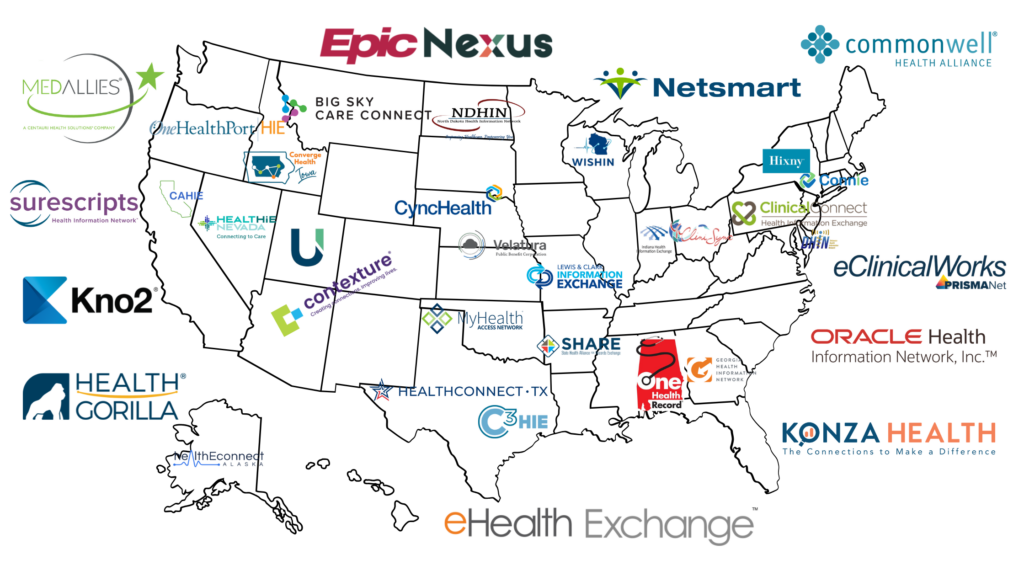


Setting up a patient portal with your doctor or hospital is a great way to get and securely provide health information for yourself or a family member. Due to changing legislation, many mobile applications, like Primary Record, are emerging, allowing individuals to connect to many patient portals to see their health information in one place. However, a patient portal account is still needed to use these applications. This article will discuss setting up a patient portal and using new technology to securely organize and share health information.
Establish an Account
Before taking advantage of mobile applications that organize health information, an individual must be able to log in to a patient portal. In a recent study by The Office of the National Coordinator for Health Information Technology (ONC), about six in 10 individuals nationwide reported being offered a patient portal. If you do not have an account for yourself or a family member, ask when making an appointment, during an appointment, or after how the doctor or hospital will share your health data.
Getting an account depends on the office or health system. For some, you may be able to request online from their homepage; for others, you may need to call the office to start the registration process. If you can register online, you’ll typically be asked to provide personal information such as your name, address, date of birth, and possibly a social security number to verify your identity. You’ll also need to choose a username and password and save in a safe place for your account. If establishing an account on behalf of a child or aging parent, read the helpful tips in What Access to Medical Records Is Like for Families.
Accessing the Portal to Organize Health Data
You can access the patient portal once you have an account set up. Most portals are web-based, so you can log in using your computer or mobile device. Some portals have apps to download. Most should text a code to a mobile phone or email address for you to enter after logging in to double-check identity.
An electronic health record company designs each patient portal’s features, then is customized by a doctor’s office or health network to help their seeing and billing of patient care. This can be frustrating for families because they may have multiple patient portals to interact with, and each portal may not have the exact features to help find information to share. One easy way to reduce these frustrations is using a secure 3rd-party mobile application designed by families, like Primary Record. This allows families to access and organize their health data for multiple family members in one secure place.
Take Advantage of Patient Portal Benefits
Using a patient portal still offers many benefits specific to the doctor or hospital you visit. Depending on the portal, you may be able to access more detailed health information about your medications, visits, lab results, conditions, surgeries, vaccinations, and appointment reminders. You may even be allowed to message a doctor or request a refill prescription, though some health systems are testing charging patients for portal messages. However, at Primary Record, we learned the portal information given to patients and their family caregivers is often a limited view of their health data stored in the electronic system. This is why many secure 3rd-party mobile applications, like Primary Record, are available to families to help give them access to their electronic personal health information (ePHI), then help them organize their data like they do today in medical binders.
Conclusion
Setting up a patient portal with your doctor is a great way to begin engaging with your or a family member’s health. However, the lack of features and controls of patient portals makes it hard for families to use their health data in meaningful ways. This is why Primary Record worked with families to design their ideal medical homebase. Primary Record’s mobile application helps families access their electronic personal health information, organize it, and share it within their family and community networks for support. See how Primary Record can help manage health information by signing up today!